THE COMMUNITY / LIVE BBS
Dial into the future we imagined.
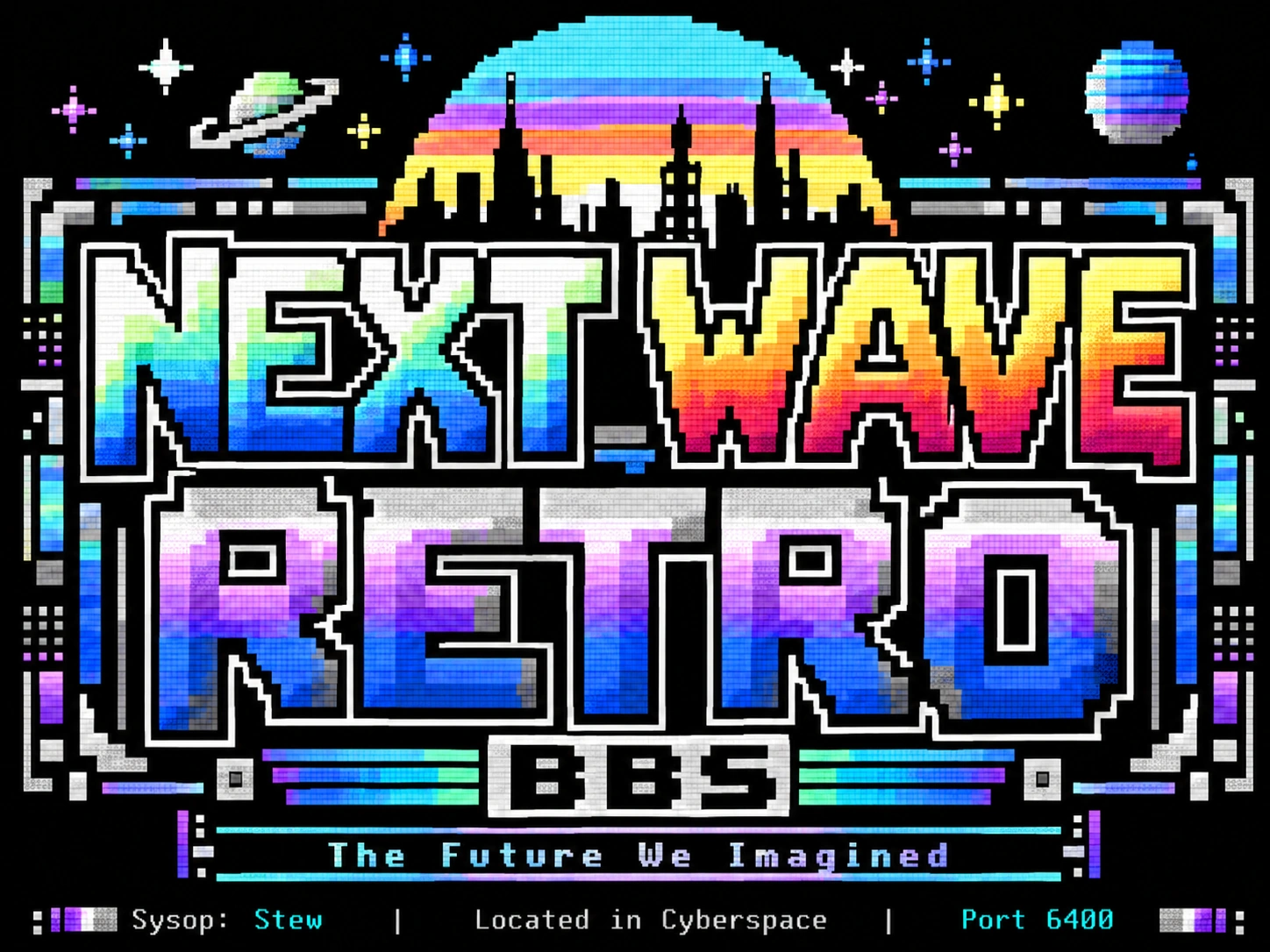
Next Wave Retro BBS is online. Connect with PeTerm on a real CoCo, CCGMS on a Commodore computer, or an ANSI Telnet client. Or try the PeTerm-inspired web demo below.
PeTerm runs on a real Color Computer. This experimental browser client demonstrates the same basic experience: dial a Telnet BBS and view C/G character graphics or ANSI text. It is not the PeTerm executable, and some graphics and input behaviors are still being tested. For full hardware and file-transfer features, use PeTerm on your CoCo.
PETERM WEB EXPERIENCE / EXPERIMENTAL BETA
Type ATDT. Make a connection.
Choose a featured BBS below, or start with the colorful C64 character-graphics display and type ATDT bbs.nextwaveretro.com:6400, then press Enter; port 6309 is also supported. The web client currently supports only the public systems listed in the directory; it cannot dial arbitrary internet hosts.
External systems are independently operated; availability and terminal compatibility can change. Use separate passwords.
At the Next Wave Retro terminal-choice prompt: choose C / K PETSCII for the C64-style display, or A · ANSI for ANSI. The Backspace auto-detection prompt is not reliably recognized by the web dialer yet. Choose your terminal explicitly; no Enter is needed.
Connection diagnostics appear here during beta testing.
The gateway uses a fixed, curated allowlist and does not permit arbitrary host:port connections. C/G uses fixed 8×8 bitmap glyphs with color and reverse-video support. At the NWR terminal-selection prompt, choose C / K PETSCII for graphics or A for ANSI. Automatic Backspace detection is a known browser-client limitation. Live input and protocol compatibility are still being tested. A “Gateway confirmed” message means a byte reached the TCP socket, not necessarily that a remote BBS accepted it. If the browser connection fails, use a local Telnet client.
DIRECT CONNECTION
Prefer the real thing?
- Host
bbs.nextwaveretro.com
- Primary TCP port
6400
- Alternate TCP port
6309
- Compatible terminals
- PeTerm, CCGMS, or an ANSI Telnet client
Telnet links require an installed application that handles the Telnet protocol. The browser terminal uses a WebSocket gateway. Telnet is not encrypted; please do not reuse passwords from other services.